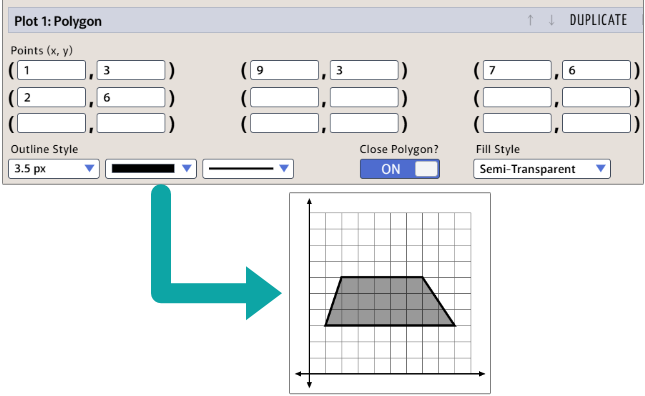
To create a polygon, just enter the vertices and turn the "Close Polygon" option on.
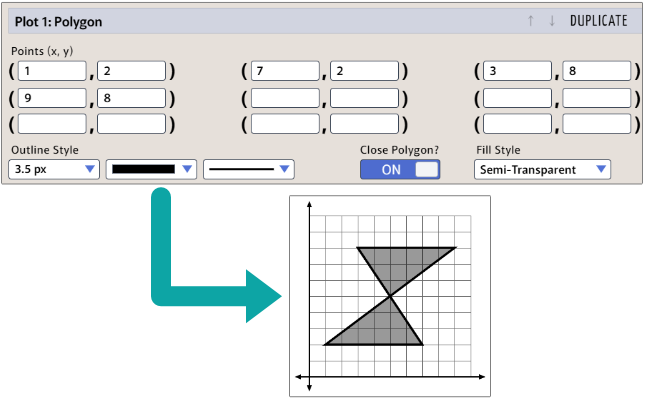
The points will be connected in the order they are entered (left to right), as illustrated in the example below. Depending on what you want to graph, this can be either a "gotcha" to beware or a nice shortcut.
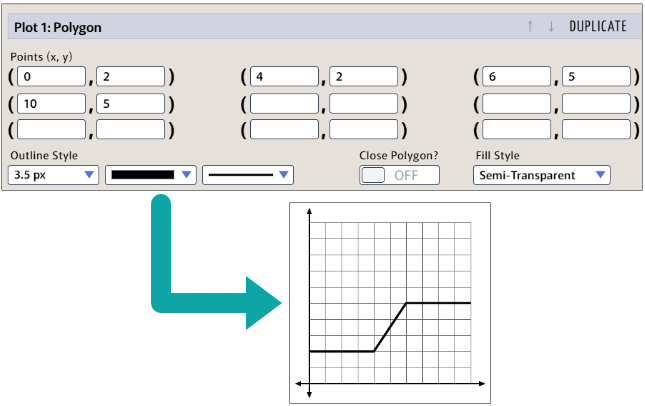
You don't have to close the polygon, which leads to another possible shortcut. You could create the graph below as a piecewise function, at least after you calculate the equation of the line between (4, 2) and (6, 5). But it's much faster to graph it as an unclosed polygon and just connect the dots. The site creator often used this technique for displacement vs. time graphs in physics.